How to Prepare Artwork for Custom Buttons
Print-ready files save rework. Use these format, bleed, and type-size rules before you upload artwork for custom pinback buttons.
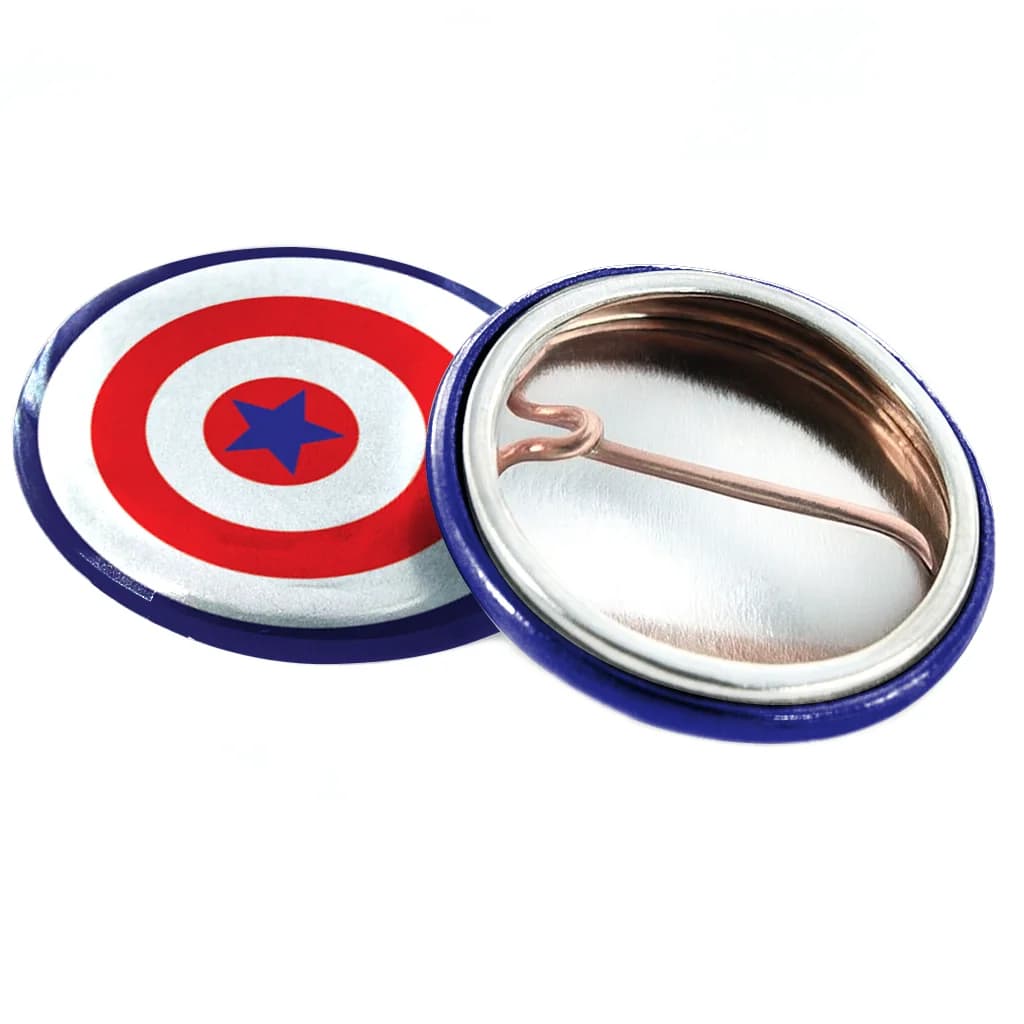
Custom buttons are printed from digital files, then cut and assembled in Copyland's Los Angeles-area shops. Artwork that looks fine on screen can still clip text or look soft once it is scaled to 1 inch or 2.25 inch.
Follow these file specs before you configure a SKU in custom pinback buttons or any pinned-back product.
Preferred file formats
- PDF with embedded or outlined fonts (best for crisp type)
- PNG at 300 DPI at final print size (acceptable for simple graphics)
- AI or EPS exports saved with fonts converted to outlines
Avoid low-resolution JPGs pulled from social media. They compress detail and create visible artifacts on solid color fields.
Bleed, trim, and safe zone
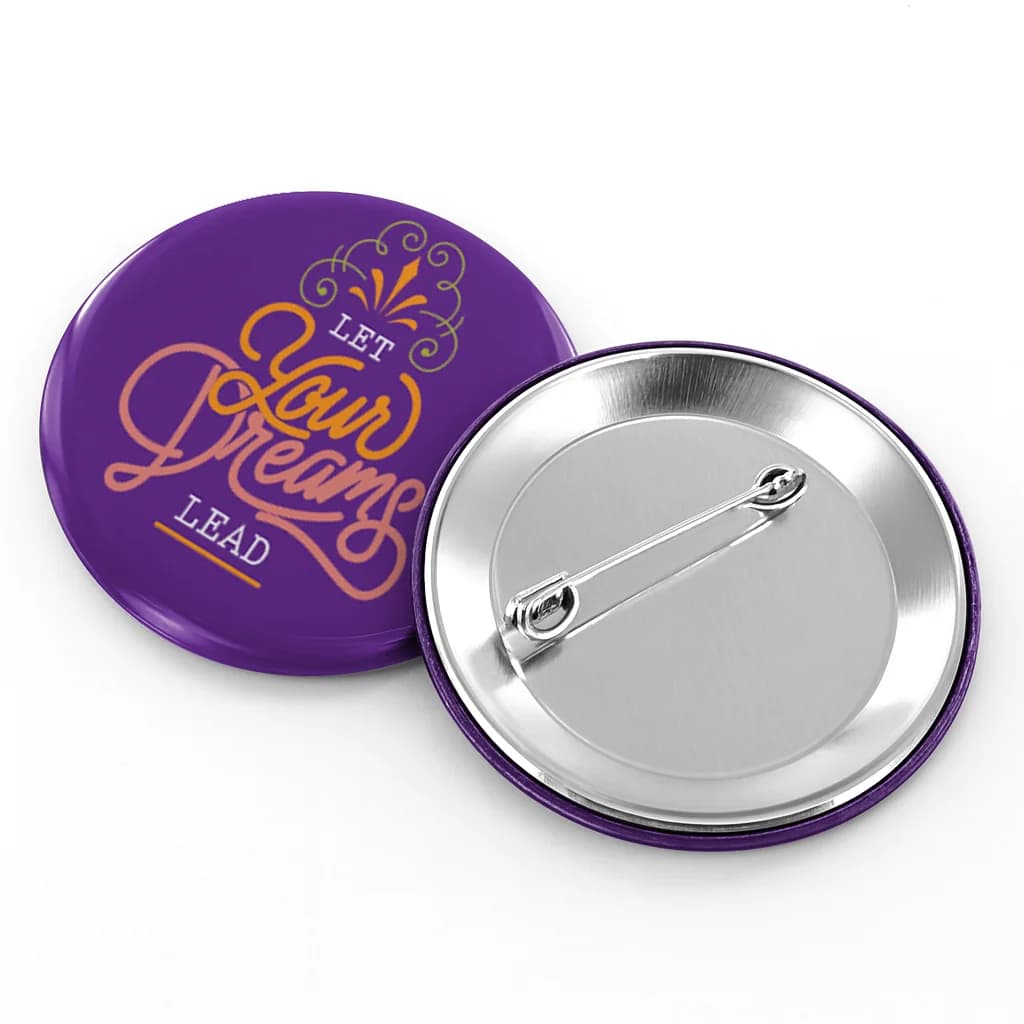
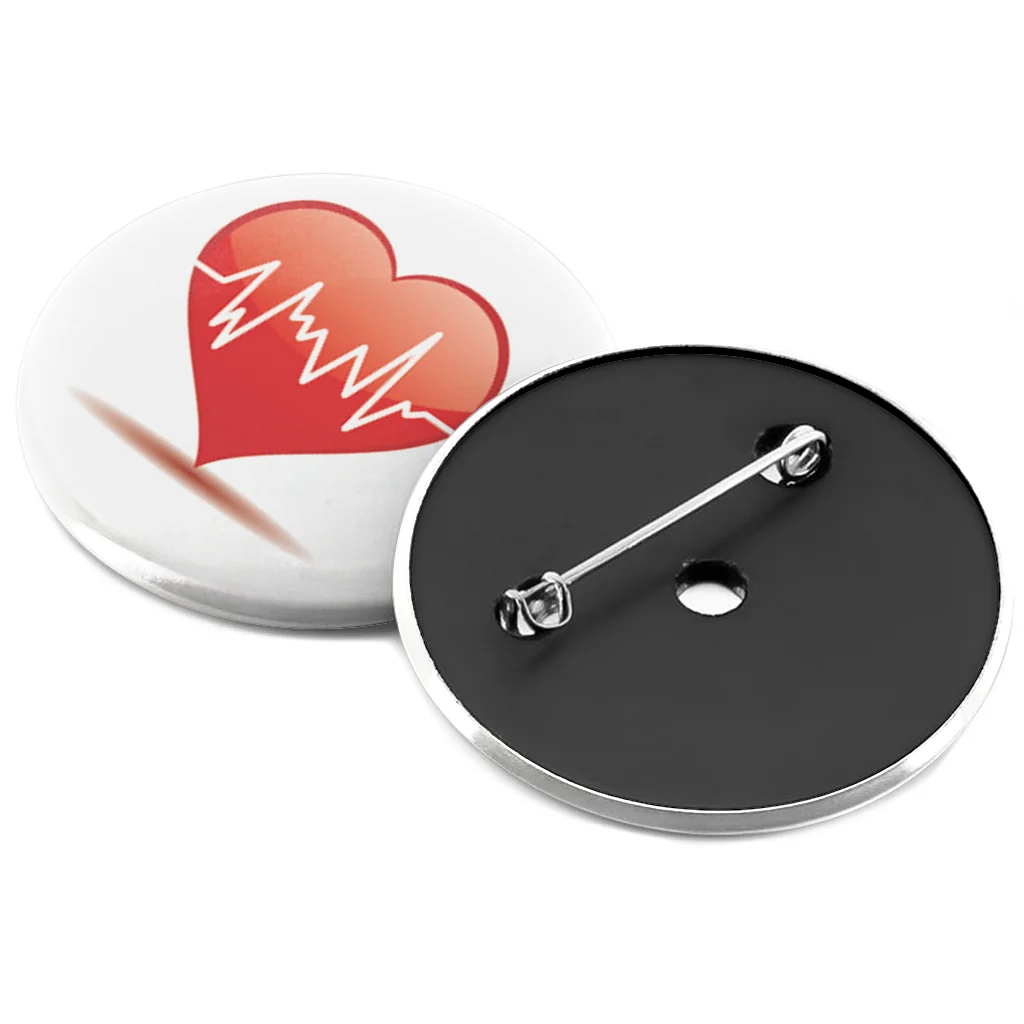
Button artwork prints edge-to-edge on the face, then wraps under the crimped edge. Leave important text and logos inside a safe zone — roughly 1/16 inch inset from the cut line on round buttons.
Extend background colors or patterns slightly past the trim line (full bleed) so you do not get thin white halos after cutting.
Color and contrast
Buttons are viewed quickly — high contrast beats subtle gradients. Dark text on light backgrounds (or the reverse) survives busy event lighting better than mid-tone palettes.
If brand colors are mandatory, test a simplified one-color version for small 1 inch runs. Event teams often keep a full-color 2.25 inch public button and a minimal 1 inch staff variant.
Text sizing guidelines
- 1 inch round — 3–5 words maximum; avoid text smaller than 6 pt in the source file at print size.
- 2.25 inch round — short slogans, candidate names, or a logo plus one line of copy.
- URLs — use a short domain; long paths rarely stay legible at 1 inch.
Proofing before production
Digital proofs show placement on the button face before production starts. For first-time designs or large bulk custom buttons orders, review the proof on a phone screen at arm's length — that approximates how most people will see it.
Frequently asked questions
- What DPI should my PNG be?
- Export at 300 DPI at the final print diameter — for example, a 2.25 inch button needs roughly 675 pixels across. Upscaling a small web image will look soft in print.
- Can I use Canva or Google Slides exports?
- Yes, if you export PDF or PNG at sufficient resolution with fonts embedded or outlined. Avoid screen-resolution JPG downloads.
- Will Copyland fix my layout?
- Minor centering adjustments may happen during proofing, but significant redesign is not included. Submit simplified art or request a proof review before large quantities.
Ready to configure your order?
Upload artwork, pick quantities, and see live pricing in the product configurator.